
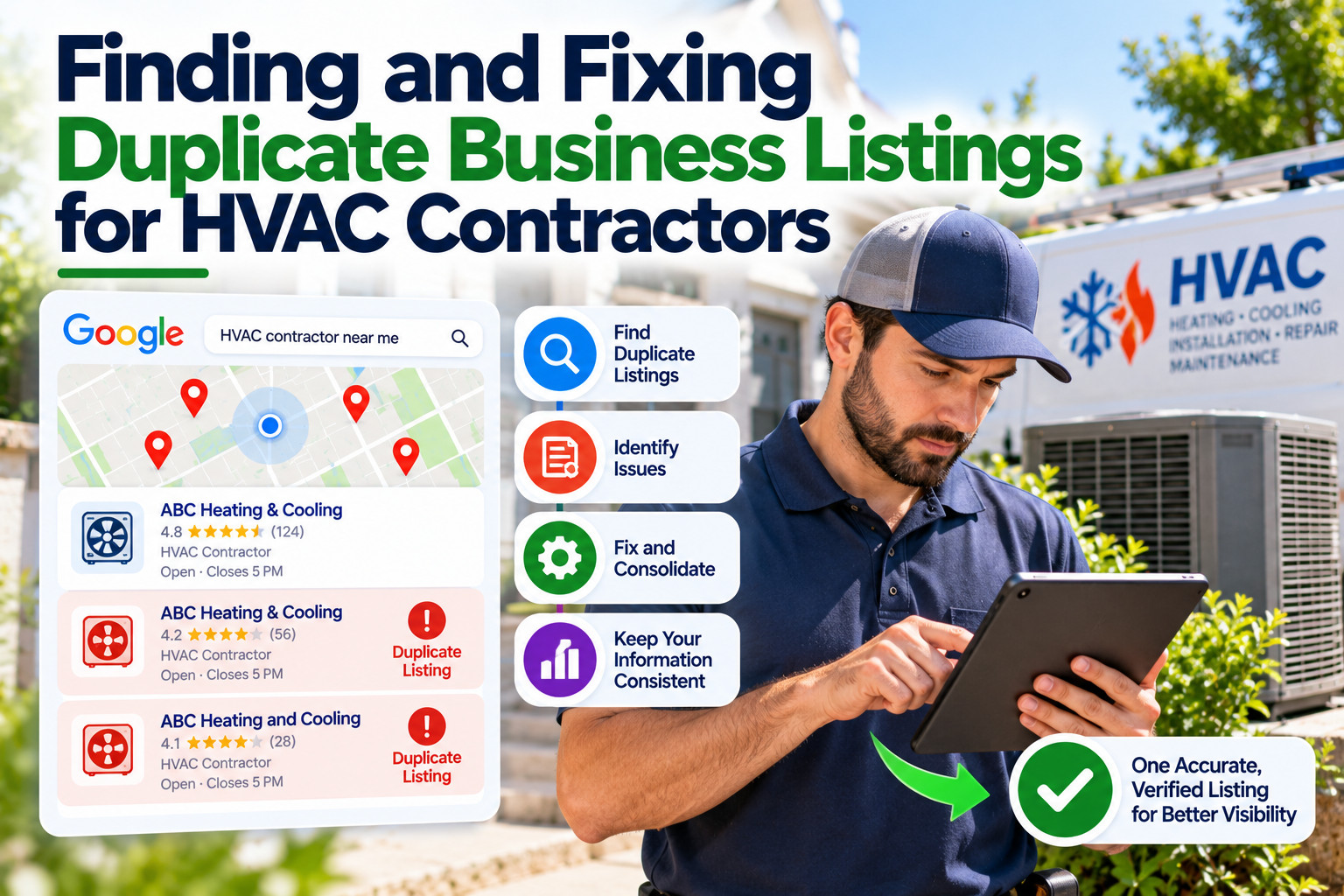
An HVAC company in Atlanta moved to a larger shop two years ago. Today, a search for its name shows two map pins: the old address with 12 reviews and the new one with 40. Some customers still call the old number, which now rings at a nail salon down the street.
Duplicate listings are one of the most common problems for established service companies. They usually come from moves, rebrands, new phone lines, or a former employee who created a profile years ago and left the company.
Why Duplicates Cause Problems
Two listings for the same company split your reviews, confuse customers, and send calls to the wrong number. They also make it harder for search engines and directories to know which version of your business information is correct.
For HVAC companies, the stakes are practical. A homeowner with a broken furnace in January will call the first number they see. If that number belongs to your old location, you lose an emergency job and possibly a long-term maintenance customer.
How to Find Duplicate Listings
Search for your company name, your current phone number, and any old phone numbers you have used. Check Google Maps, Bing Places, Apple Maps, Yelp, and the directories where you know you have profiles. Write down every listing you find, along with its name, address, phone number, and who controls it.
Look for variations too. “Smith Heating & Air,” “Smith HVAC,” and “Smith Heating and Cooling LLC” might all be the same company. Old addresses and tracking phone numbers from past ad campaigns often reveal forgotten profiles.
Fixing Duplicates Without Losing What You Built
On Google, if you own both profiles, you can contact support to request that duplicates be merged or removed. Google’s help documentation explains the process. Reviews may not transfer in every case, so be careful before deleting a profile on your own. On directories, update the listing you want to keep and ask the site to remove the duplicate.
Once the cleanup is done, keep one master record of your correct name, address, phone, and services. Use it whenever you update a listing, including industry pages like the Air Conditioning and Heating category on eDirectori. Check that your eDirectori profile shows your current address so homeowners comparing contractors see the right details.
Keep One Clear Version of Your Business
Duplicate listings build up quietly over years of growth. Search for every version of your company, decide which profile to keep, and work through each platform’s removal or merge process. Then protect your work with a master record and a yearly audit across Google, Bing, Apple, and directories like eDirectori.